


Quick answer
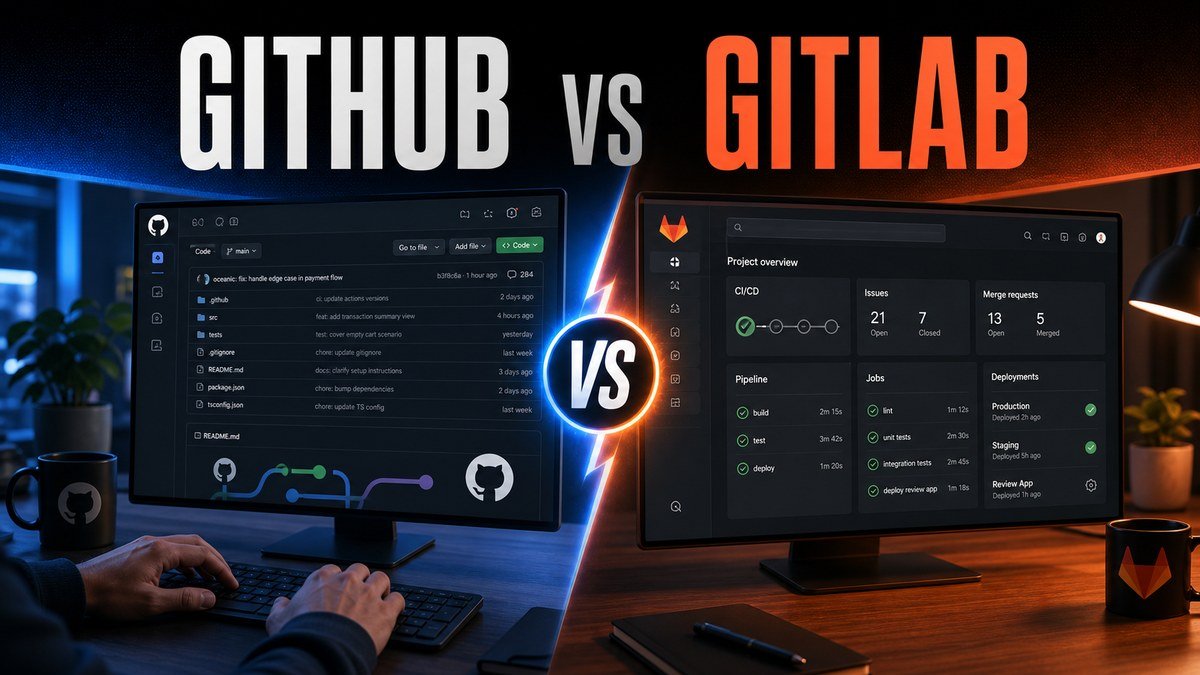
For most small and mid-sized teams, GitHub Team at $4 per user per month is the cheaper, lower-friction choice, and it is where your contractors and open source dependencies already have accounts. GitLab earns its $29 per user per month when you want planning, CI/CD, security scanning and compliance evidence inside one tool instead of five, or when you need to run the platform yourself on tiers below enterprise.
The decision usually comes down to three questions: how many people need write access, how many CI minutes you burn in a month, and whether anyone will ask you to produce an audit trail. Prices below were checked on November 26, 2026 on each vendor’s own pricing page.
What actually differs in 2026
Both platforms host Git, review code, run pipelines and ship an AI assistant. The differences that change a decision are narrower than the feature matrices suggest.
- GitLab is one product; GitHub is a product plus an ecosystem. GitLab ships planning, CI/CD, security scanning and release management as one application. GitHub covers the same ground through Actions, Projects, Advanced Security and a very large marketplace, which means more choice and more assembly.
- GitHub’s free tier has no seat cap; GitLab’s does. GitLab Free is limited to 5 users per top-level group. A sixth collaborator moves you to Premium at $29 per user per month, which is the single most common reason small teams end up paying GitLab.
- Self-hosting sits at different price points. GitLab offers self-managed installs across its tiers. On GitHub, self-hosted deployment and GitHub Enterprise Server belong to the Enterprise plan at $21 per user per month.
- Where your contributors already are matters. If your dependencies, issue trackers and candidate pipeline all live on GitHub, every external collaborator you onboard to GitLab is a new account and a new habit.
What each plan costs today
| Plan | Price | Included CI | Notable limits |
|---|---|---|---|
| GitHub Free | $0 | 2,000 CI/CD minutes a month | 500 MB packages storage; minutes free on public repos |
| GitHub Team | $4 per user / month | 3,000 CI/CD minutes a month | 2 GB packages storage; web-based support |
| GitHub Enterprise | $21 per user / month | 50,000 CI/CD minutes a month | 50 GB packages storage; SAML SSO, advanced auditing, self-hosted deployment |
| GitLab Free | $0 | 400 compute minutes a month | 5 users per top-level group |
| GitLab Premium | $29 per user / month, billed annually | 10,000 compute minutes a month | Unlimited licensed users; $8 of GitLab Credits per user per month for AI |
| GitLab Ultimate | Custom pricing | 50,000 compute minutes a month | Unlimited guest users; application security; $16 of Credits per user per month |
Add-ons change the picture as you scale. GitLab sells extra compute at $10 per 1,000 minutes and storage at $5 a month per 10 GiB billed annually, with Enterprise Agile Planning seats at $15 per user per month. GitHub bills storage overage at $0.07 per GB, Codespaces compute from $0.18 an hour, and Git Large File Storage at $5 a month for 50 GB of storage and bandwidth.
CI minutes: where the real bill shows up
Seat price is the number people compare. Pipeline minutes are the number that surprises them.
A team running a test suite that takes six minutes, on twelve merges a day, across twenty working days, burns about 1,440 minutes a month before anyone touches a scheduled job or a matrix build. That fits inside GitHub Team’s 3,000 included minutes and inside GitLab Premium’s 10,000, but it blows past GitLab Free’s 400 in the first week.
Two practical notes. On GitHub, minutes are free for public repositories, which matters if your packages or docs are open. On GitLab, the compute allowance is per top-level group rather than per user, so a small team with heavy pipelines exhausts it faster than a large team with light ones. Before you commit, pull last month’s pipeline minutes from whichever tool you are on now and compare that number against the included allowance, not against the seat price.
AI: Copilot and Duo are priced differently
GitLab bundles AI access into the plan through GitLab Credits: $8 per user per month included with Premium, $16 with Ultimate, and $1 per additional credit, spent across Duo Agent Platform features. GitHub positions its Enterprise plan around AI-governed development and sells Copilot as its own product line, so AI is a separate line item you size yourself rather than an allowance that arrives with the seat.
Neither approach is automatically cheaper. The question is predictability: GitLab’s credits give a known monthly ceiling per user, while GitHub’s separate Copilot plans let you buy AI for the six people who use it instead of all twenty. Price the AI tier for the number of people who will genuinely use it every week, not for headcount.
Self-hosting and compliance
If your answer to “where does the code live” has to be “on infrastructure we control”, GitLab is the simpler path: self-managed installs are available across tiers, and GitLab Dedicated exists for enterprises needing data isolation and residency. On GitHub, self-hosted deployment and Enterprise Server arrive with the $21 Enterprise plan, alongside SAML single sign-on, LDAP and advanced auditing.
For regulated work, the thing to test is not whether a feature exists but whether you can export evidence. Pick one real requirement, such as showing who approved a change to production in the last quarter, and produce that report in a trial of both tools. The platform that answers it in three clicks is the one that will save you a week every audit.
A ten-person team, costed for a year
Ten engineers, private repositories, roughly 1,500 pipeline minutes a month, no regulatory requirement yet.
- GitHub Team: 10 x $4 x 12 = $480 a year, with 3,000 minutes a month included. AI is extra and optional.
- GitLab Premium: 10 x $29 x 12 = $3,480 a year, with 10,000 minutes a month and $8 per user per month of AI credits included, which is roughly $960 a year of AI allowance inside that price.
- GitLab Free: not an option at ten people, because of the five-user cap.
The honest reading of that gap: GitHub Team is about $3,000 a year cheaper, and if the team’s planning already lives in Linear or Jira and nobody is asking for compliance reports, there is little to buy back. GitLab Premium starts winning when you would otherwise pay separately for pipeline minutes, security scanning, planning seats and an AI add-on, because those line items quietly add up to the difference.
How to decide in an afternoon
- Count seats that need write access. Six or more pushes GitLab off the free tier entirely.
- Pull last month’s CI minutes. Compare against 3,000 on GitHub Team and 10,000 on GitLab Premium.
- Name the tools you would retire. If GitLab replaces a planning tool and a scanning tool, subtract those bills before comparing.
- Test one real workflow in both. Open a branch, run the pipeline, request a review, merge, and produce an audit trail of who approved it.
- Check where your collaborators are. Count external contributors who already have an account on each platform.
- Decide on the twelve-month number, including add-ons and AI, not the sticker price per seat.
Moving repositories or pipelines between platforms? AdNxt plans and runs the migration, rebuilds CI/CD workflows and connects the result to the tools your team already uses.
What switching actually costs
Repositories move easily; Git history is portable by design. What takes the time is everything attached to them.
- Pipelines are a rewrite, not an import. GitHub Actions workflows and GitLab CI configuration are different formats. Budget a day per non-trivial pipeline.
- Secrets and environments have to be recreated and re-approved, usually by whoever holds production access.
- Integrations break quietly. Deploy hooks, status checks, chat notifications and ticket links all point at the old host.
- Issues and reviews rarely move cleanly. Decide early whether you are migrating history or freezing the old tracker read-only.
For a ten-person team, a realistic migration is one to two weeks of part-time work. That is worth doing for a structural reason, such as a compliance requirement or retiring three tools. It is rarely worth doing to save a few dollars a seat. The same logic applies to any vendor switch, which is why it pays to audit seats and renewals before you move, and to keep a plan for when a platform goes down whichever one you pick.
FAQs
Is GitHub cheaper than GitLab?
On seat price, yes, and by a wide margin: GitHub Team is $4 per user per month against GitLab Premium at $29 per user per month billed annually. The gap narrows once you add AI, extra pipeline minutes, security scanning and planning seats, which GitLab includes further up its tiers.
How many users can I have on the free tiers?
GitLab Free is capped at 5 users per top-level group. GitHub Free does not cap organization members and includes 2,000 CI/CD minutes a month, with minutes free on public repositories.
Which is better for CI/CD?
Both are capable. GitLab includes more minutes at its paid tier, 10,000 a month on Premium against 3,000 on GitHub Team, and its CI is part of the core product. GitHub Actions has a much larger marketplace of prebuilt workflows, which usually means less YAML to write yourself.
Can I self-host either one?
Yes. GitLab offers self-managed deployments across its tiers, and GitLab Dedicated for data isolation and residency. On GitHub, self-hosted deployment and GitHub Enterprise Server are part of the $21 per user per month Enterprise plan.
Do I have to pay separately for AI?
On GitLab, an AI allowance is built into the plan: $8 of GitLab Credits per user per month on Premium and $16 on Ultimate, with extra credits at $1 each. On GitHub, Copilot is its own product line and is priced separately from the Team and Enterprise seats.
Final takeaway
Pick GitHub Team if you want the cheapest competent home for private repositories, your collaborators already have accounts, and your planning lives elsewhere. Pick GitLab Premium if consolidating planning, pipelines, scanning and compliance evidence into one tool would let you cancel other subscriptions, or if self-managed hosting below the enterprise tier is a requirement. Run one real workflow through both for a week, price the full twelve months including add-ons, and let those two numbers decide rather than the feature list.
Sources
- GitHub, Plans and pricing, checked November 26, 2026.
- GitLab, GitLab pricing, checked November 26, 2026.


Join the conversation
Share a useful perspective, question, or first-hand experience with other Daily Jade readers.